


Multilingual Jekyll: How to run your Jekyll site in more than one language
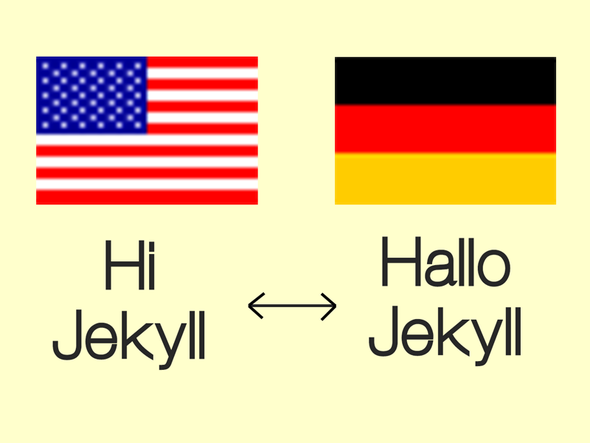
As some of you might be aware, English isn’t my native language. Although I pretty much prefer English over German (no matter what or where: movies, books, recipes, podcasts, …) not everyone in Germany can read/speak it as fluently as I can, if at all. So, naturally almost all my sites are available both in German and English, although most of the content is either/or.
This, of course, is not as trivial as it may sound. Even with blogging/site engines and CMSs such as Wordpress, having the same site and the same content is a hassle at best and damn near impossible at worst. Especially Wordpress, as powerful and well maintained as it may be, does a really terrible job when it comes to maintaining content and pages in more than one language. It’s a hack, and you feel it.
To be honest, one of the reasons for migrating to Jekyll was the fact, that its simplicity makes it easier for me (as a developer) to create the site I want. Instead of hacking around in the huge pile of junk that is Wordpress to get it barely working the way I’d like it to work, I can focus on creating content.
Still, even with Jekyll being as awesome as it is, it’s nowhere easy to get a multilingual site going. In fact, Jekyll itself doesn’t even support it and that’s fine: most people don’t need this advanced feature, anyway.
Further, the existing Jekyll plugins that promise to enable you to post in more than one language barely work at all or do things in a very weird way.


